herdr-sesh
A Sesh-inspired workspace picker and session manager for Herdr.
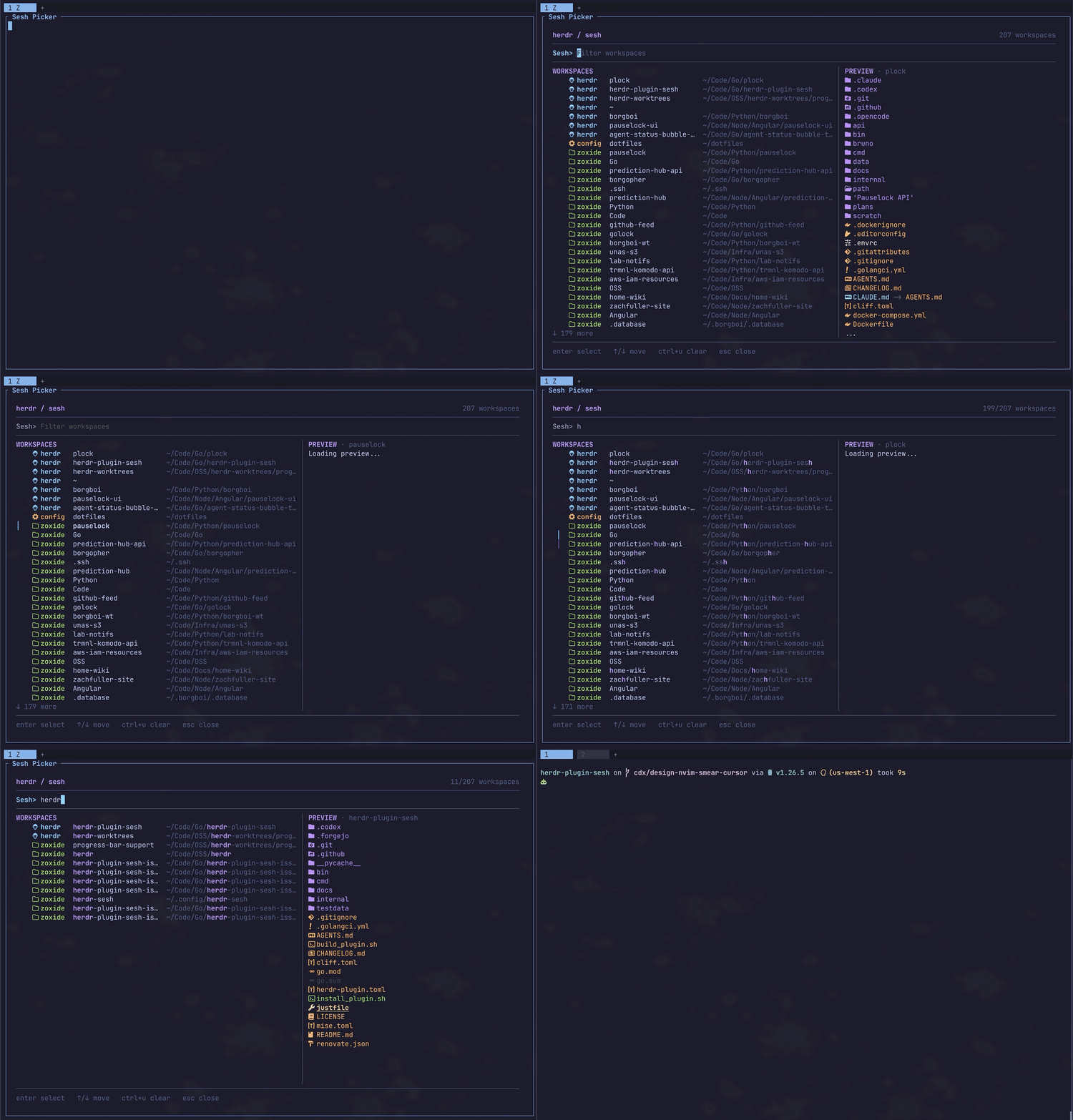
herdr-sesh combines running Herdr workspaces, configured sessions, and
zoxide history in one searchable overlay. Selecting an item focuses its
existing workspace or creates a new one with the configured startup command
and tabs.
Install
Open the picker through the installed plugin action:
Configuration is optional
Without a config file, the picker still includes running Herdr workspaces and zoxide results when zoxide is available.
Documentation
Use the version selector in the header to choose a release's documentation.
latest follows the main branch and may describe changes not yet released.
Release snapshots are available starting with v0.10.0, when the wiki was added.
For changes in each release, see the release notes.
First steps
- Open the picker, type part of a workspace name or path, then press Enter.
- Bind the picker to a key in Herdr.
- Optionally create a configuration and add a named workspace with tabs.
Use Ctrl+O to switch command and active-pane previews, and Ctrl+R to cycle workspace sorting. Picker controls lists the other shortcuts. If something looks wrong, start with Troubleshooting.
Reference
- Configuration explains config discovery, picker behavior, workspaces, tabs, and legacy Sesh migration.
- Keybindings shows how to invoke the picker and related actions from Herdr.
- Commands covers direct CLI use and installed-binary setup.
- Contributing covers local development, tests, docs, and releases.
- GitHub releases contains versioned source and release notes.
Requirements
- Herdr 0.8.2 or newer
- Linux or macOS
- Git and Go 1.26.4 or newer for Herdr's source-based plugin installation
- Optional:
zoxidefor directory history andezafor the default preview - Optional:
fzfandbatfor the experimental fzf picker